
Additional Settings
Additional Settings allow the administrator to define other functionalities within the SURF browser and how they and their users interact within the system.
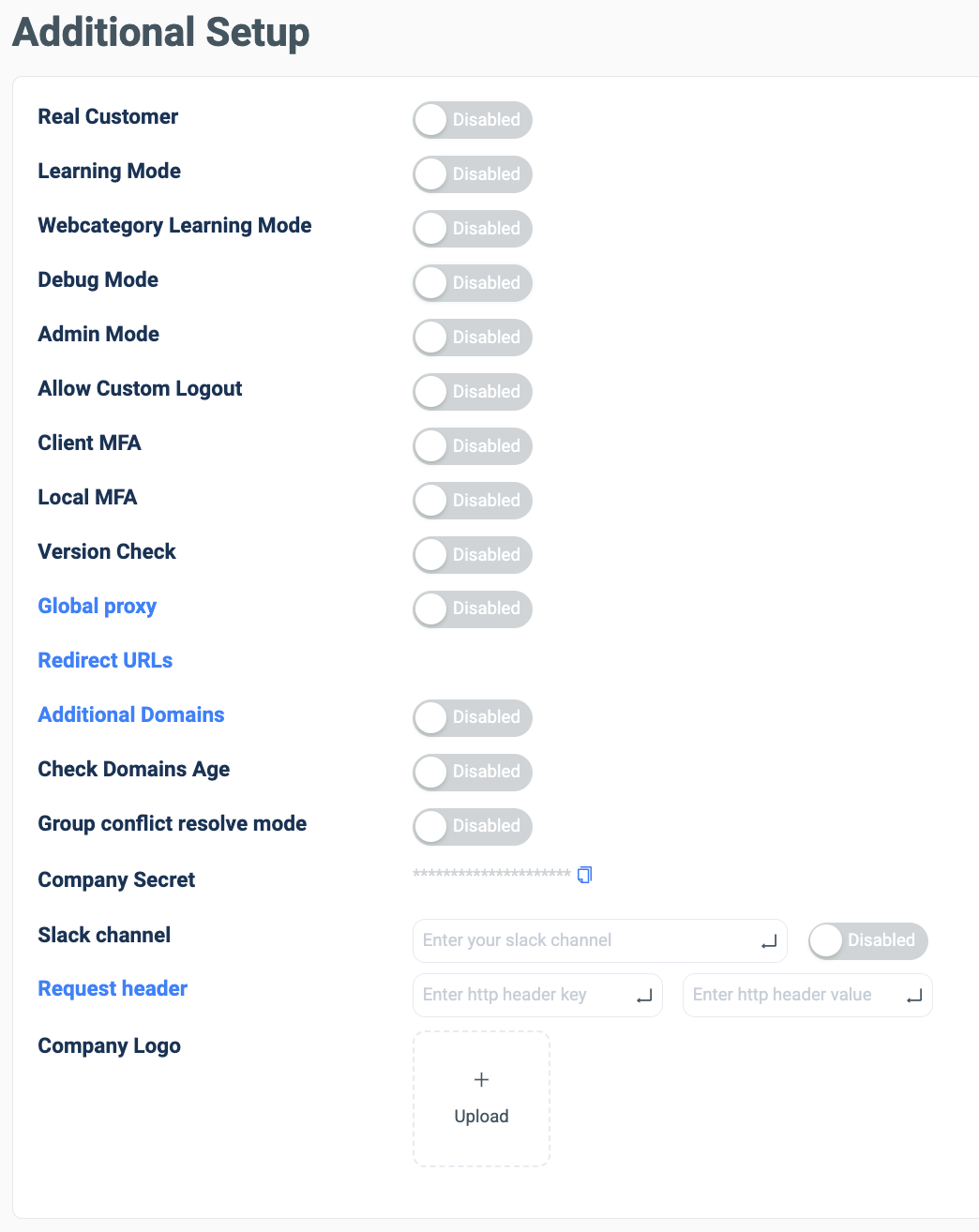
Additional Set Up
| Property | Descriptions | Files |
|---|---|---|
| Real Customer (Admin only) | Defines the company as real and not a test case. | |
| Learning Mode | Disables the more complex aspects of SURF browser whilst companies and users learn the system. | |
| Web Category Learning Mode | Disables the Web Category Proxy whilst companies and users learn the system. | |
| Debug Mode | Solves bugs in company’s and user’s use of the SURF browser. | |
| Admin Mode (Admin only) | Sets the system to Admin mode and gives users admin permissions. | |
| Allow Custom Logout | Sets a custom logout process when leaving the SURF browser. | |
| Client MFA | Turns on the Client MFA within the SURF browser. | |
| Local MFA | Turns on the Local MFA within the SURF browser. | |
| Version Check | Sets the minimum version of SURF browser users must have to access the system: |  |
| Global Proxy | Turns on the Global Proxy configuration within the SURF browser: All of the traffic will be routed via the Proxy, it can be hosted by either Surf or by the end customer if needed. |  |
| Redirect URLS | Sets URLs the user will be redirected if they attempt to access a blocked URL: |   |
| Additional Domains | Allows outside domains to access the SURF system if users in another company need accessibility: | |
| Check Domains Age | Blocks domains with SURF browser that are young incase of malicious content: |  |
| Group Conflict Resolve Mode | Resolves issues with users that are within two or more, contradictory groups. | |
| Company Secret | The set secret password for each company that uses SURF browser for authentication use. | |
| Slack Channel | Connects the company Slack channel to be used within SURF admin dashboards. | |
| Request Header | Creates a defined header to be displayed on chosen domains with the SURf browser: |   |
| Company Logo | Presents the company, uploaded logo to replace the SURF logo on the browser homepage: |  |

