Admins
Although most organisations will have a singular admin, more admins can be added to the system if they so choose. Under the Admins tab of the Users and Groups dashboard, admins can be managed, added and assigned to different functions.
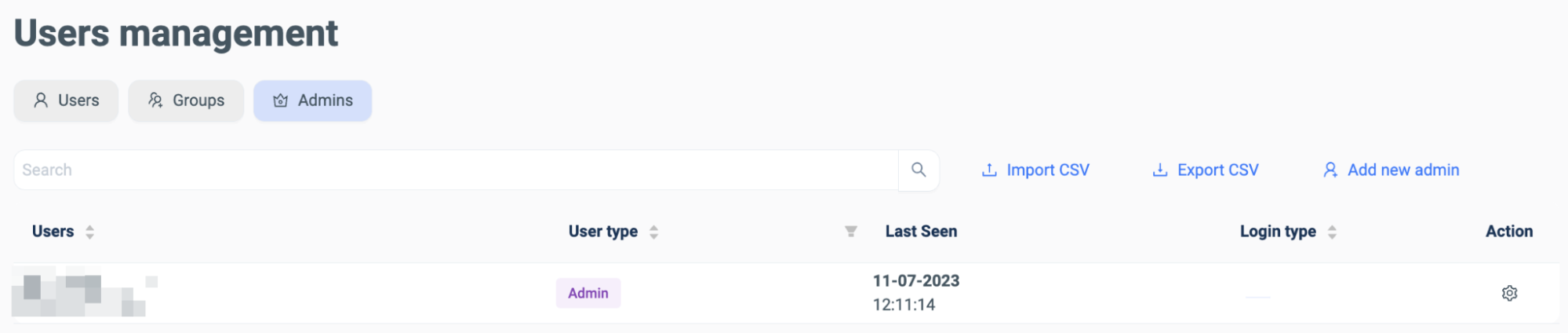
Admins can be search for using the search bar, and can be added using an imported CSV file or manually entered:

When an administrator is added manually, their role must also be assigned along with the other information all users must be imputed with. There are five roles; Admin, Editor, Contributor, Viewer and TrialUser. Each role has different abilities, with Admin having full control over the SURF browser and dashboard.
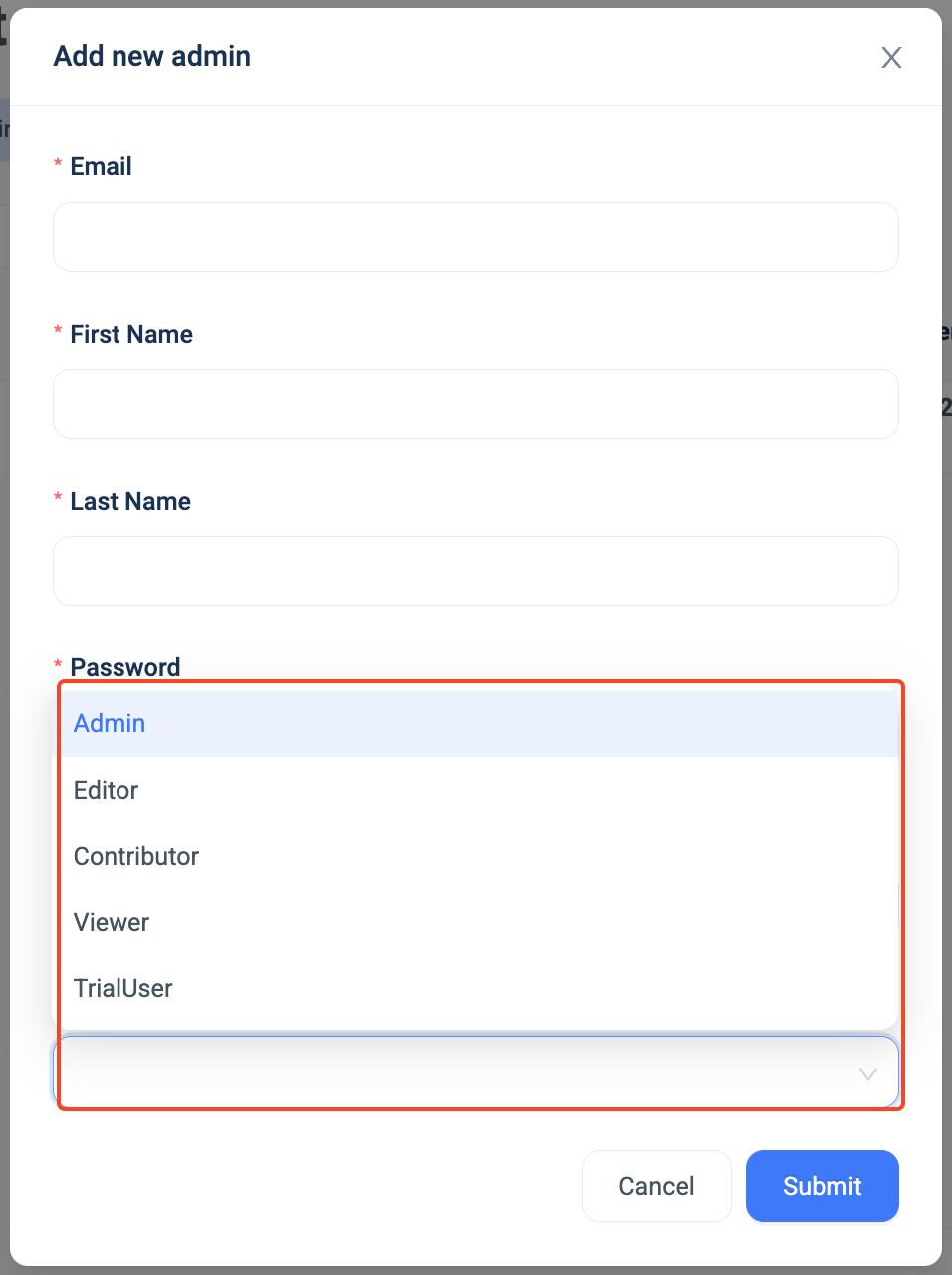
Permissions to Admin Roles-
As with the other tabs, the admin information can also be exported to a CSV file:

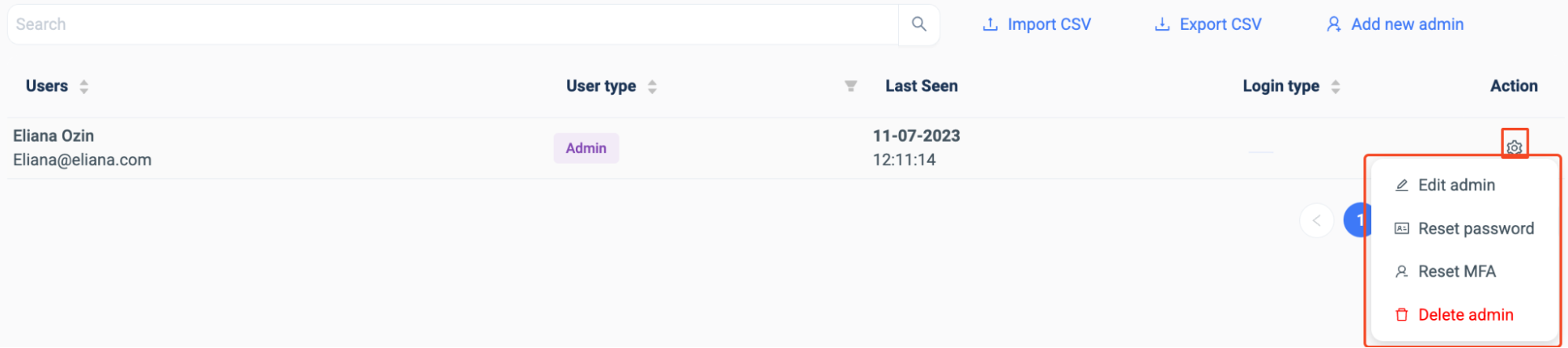
An administrator can be managed using the ‘Action’ column. The admin can be edited, their password can be reset, their MFA can be reset or the admin can be deleted: