Alerts UI Guide
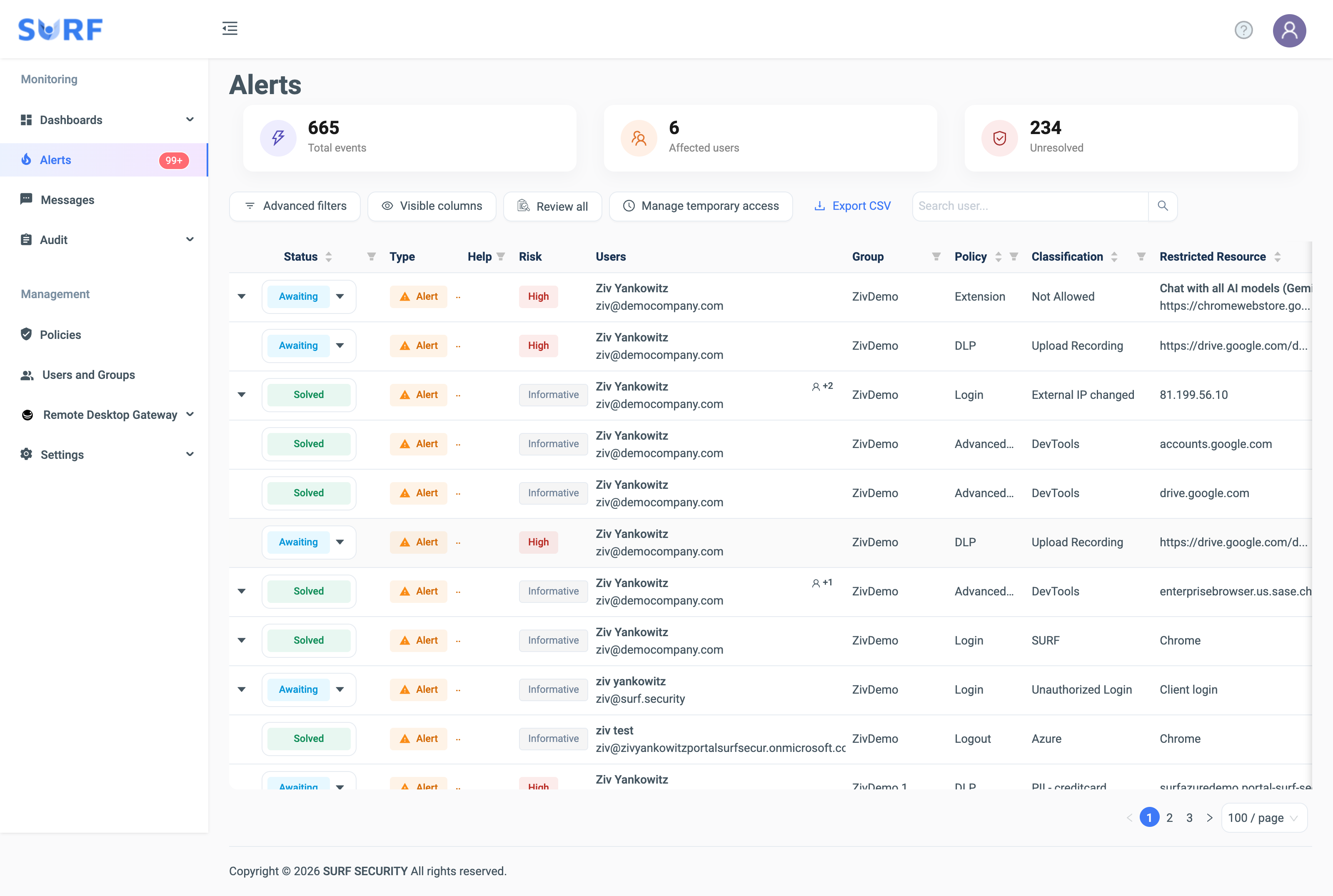
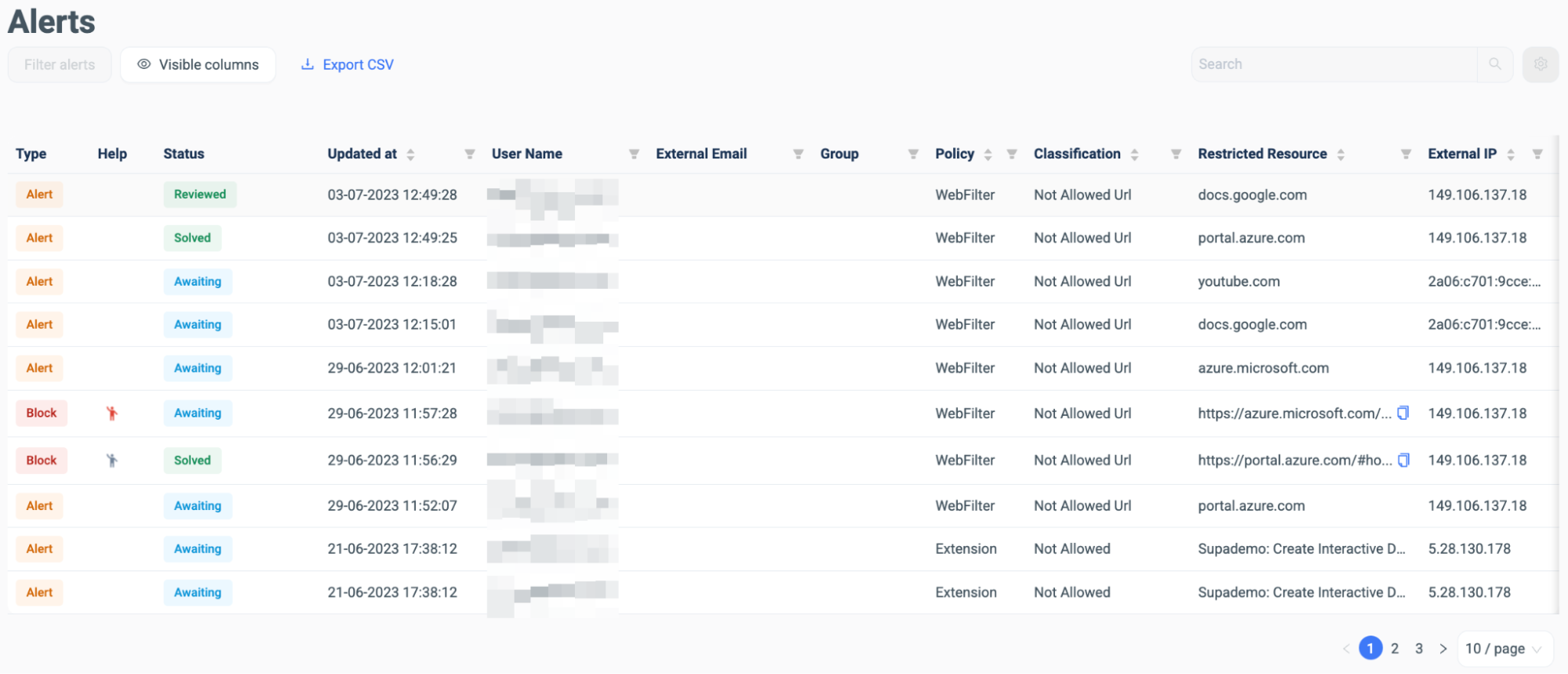
Once your policies are declared and your users are using the browser, you will find that the Alerts section of your SURF admin dashboard will be where, as the administrator, the most traffic would be found. All blocked events and forbidden zones, according to your policies, are displayed within the Alert section. As the administrator the alert status and policy changes can be enacted as a response.
Grouped alerts with statistics — the Alerts view groups violations by group/policy/resource/classification with per-group counts and an aggregate header (total groups, total alerts, affected distinct users, unresolved), with drill-down into the alerts within any group.
Login events are Informative — login events now appear as Informative risk and auto-resolve (previously High / New). Risk-level tables should list Login (with Uninstall, Logout, Weak Password, Install, Disable, Sensitive Data) as Informative.