Bookmark Management
Define the managed company links/apps shown in the bookmarks bar, the new-tab view, and the user's homepage.
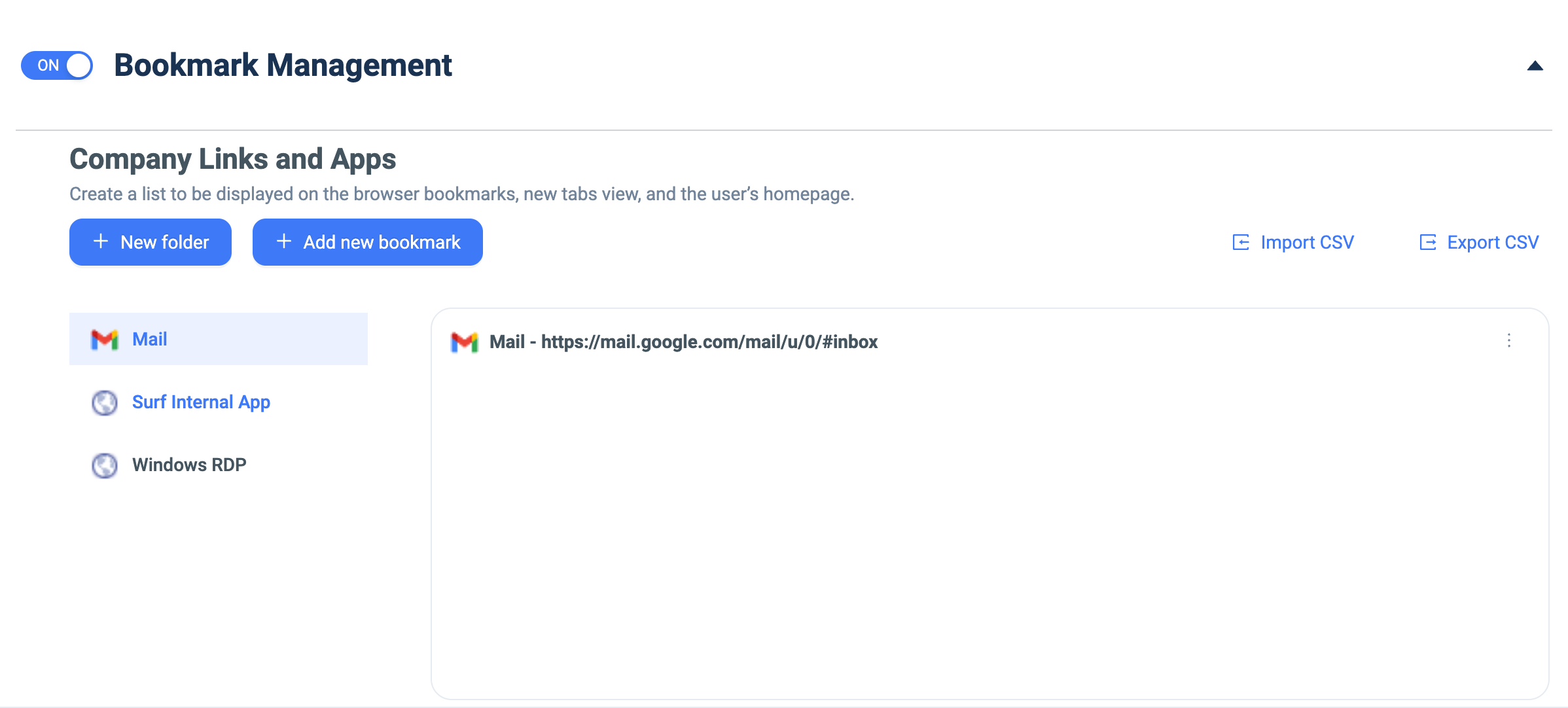
Configure the fields below, then changes apply to the selected group.How to set up:
- Toggle Bookmark Management ON.
- Click + New folder to create a grouping (e.g. Mail, Surf Internal App, Windows RDP).
- Select a folder to edit its bookmarks.
- Click + Add new bookmark and provide a name + URL; use the ⋮ menu to edit/remove.
- Use Import CSV / Export CSV for bulk management.