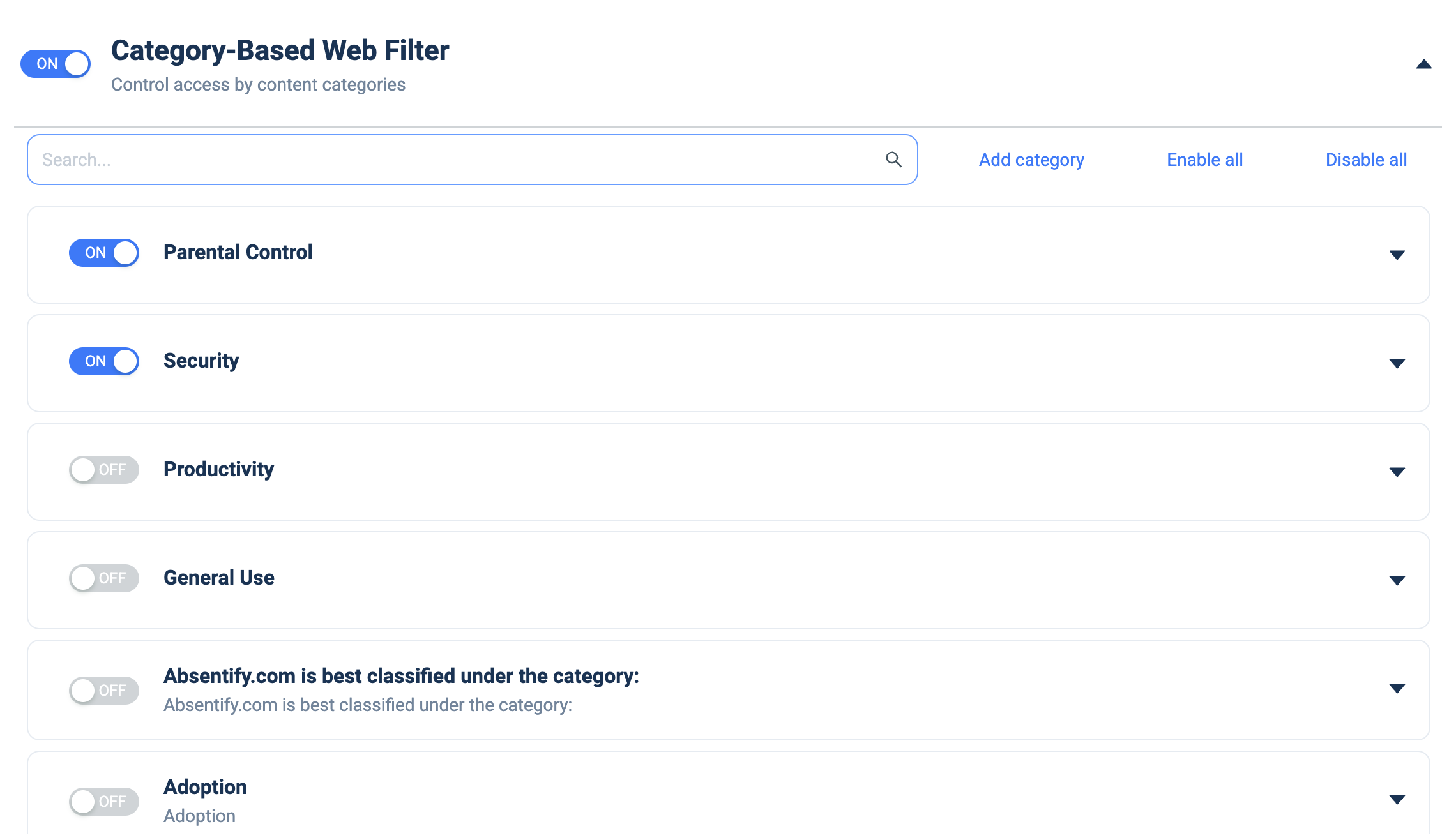
Category-Based Web Filter
What it does: Controls web access by content category.
How to set up:
- Toggle ON.
- Use the Search box to find a category.
- Toggle each category ON/OFF (e.g. Parental Control, Security, Productivity, General Use); expand a category's caret to configure its sub-items.
- Click Add category to create a custom category.
- Use Enable all / Disable all for bulk changes.