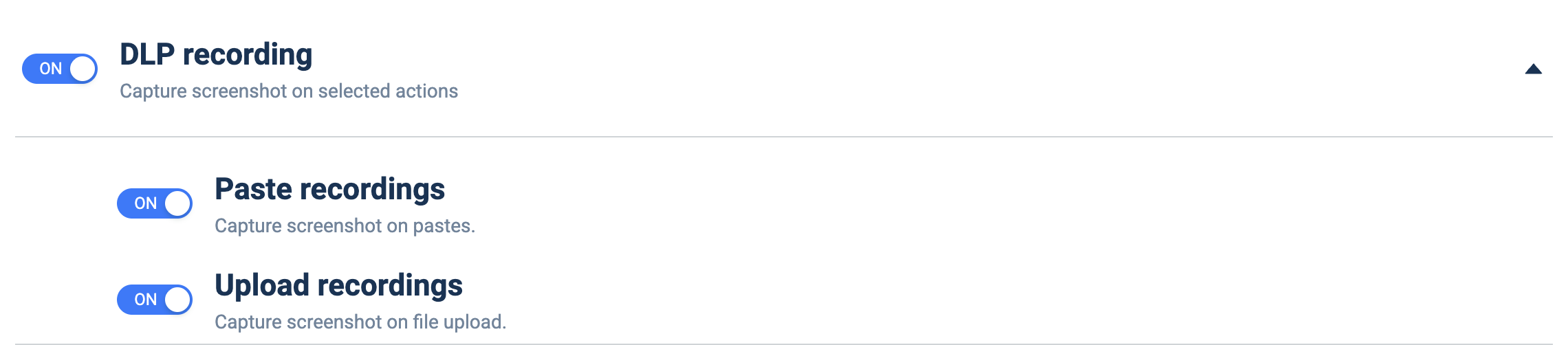
DLP recording
What it does: Captures a screenshot when selected DLP-relevant actions occur, producing visual evidence for auditing.
How to set up:
- Toggle the master ON/OFF switch to ON (Capture screenshot on selected actions).
- Toggle Paste recordings ON to capture on paste actions.
- Toggle Upload recordings ON to capture on file uploads.
- Leave a sub-toggle OFF to skip recording that action type.