Download Restrictions
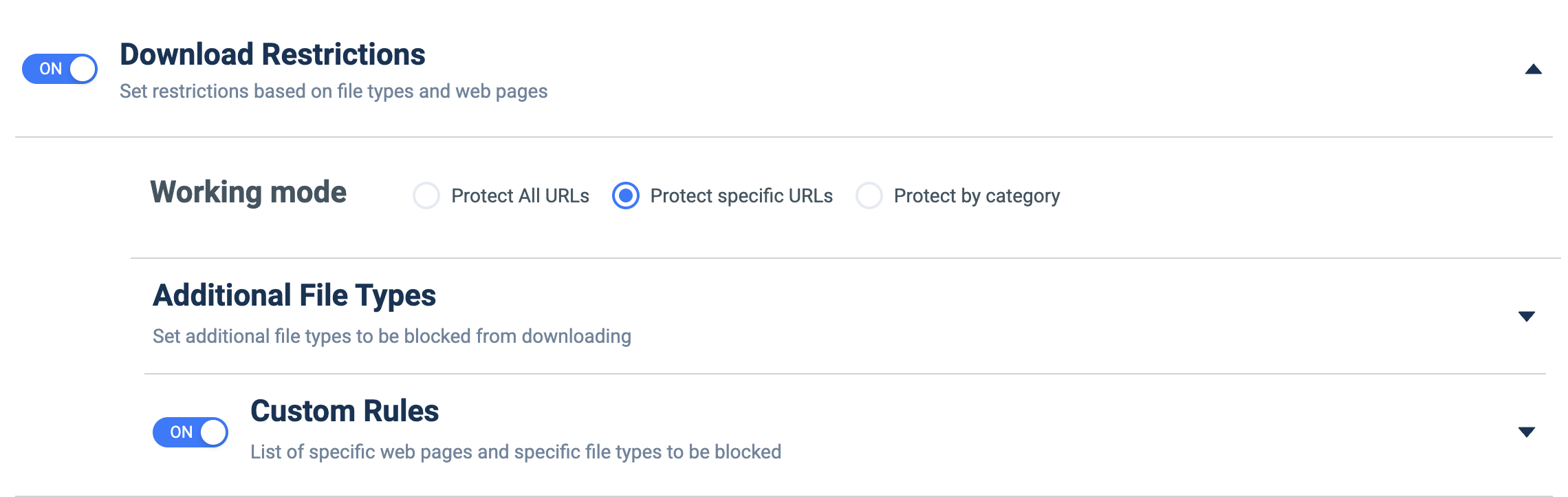
What it does: Blocks downloads based on file types and the source web pages/URLs.
How to set up:
- Toggle ON.
- Under Working mode, choose Protect All URLs, Protect specific URLs, or Protect by category.
- Expand Additional File Types to add file types to block.
- Enable Custom Rules and expand it to pair specific web pages with specific file types.