
Messages UI Guide
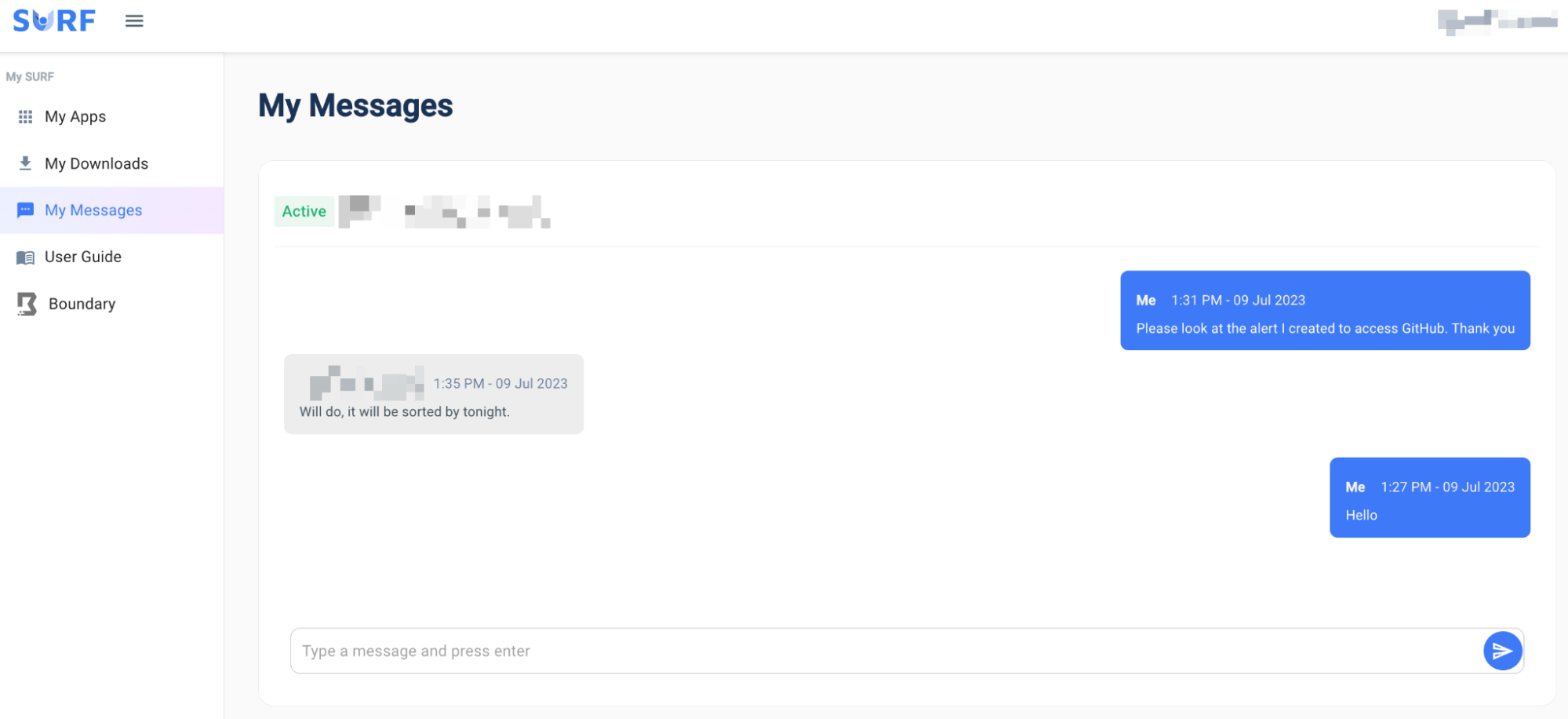
Individual users have the ability to message the administrator with queries, questions or updates using their own ‘My Surf’ portal: http://surf-admin.link/dashboard.html
The admin then has the ability to communicate with any user under the Messages portal in the administrator dashboard. The admin will be presented with all users who have messaged on the left of the dashboard. When a user is opened, the text thread will appear as well as the user details on the right of the messages.
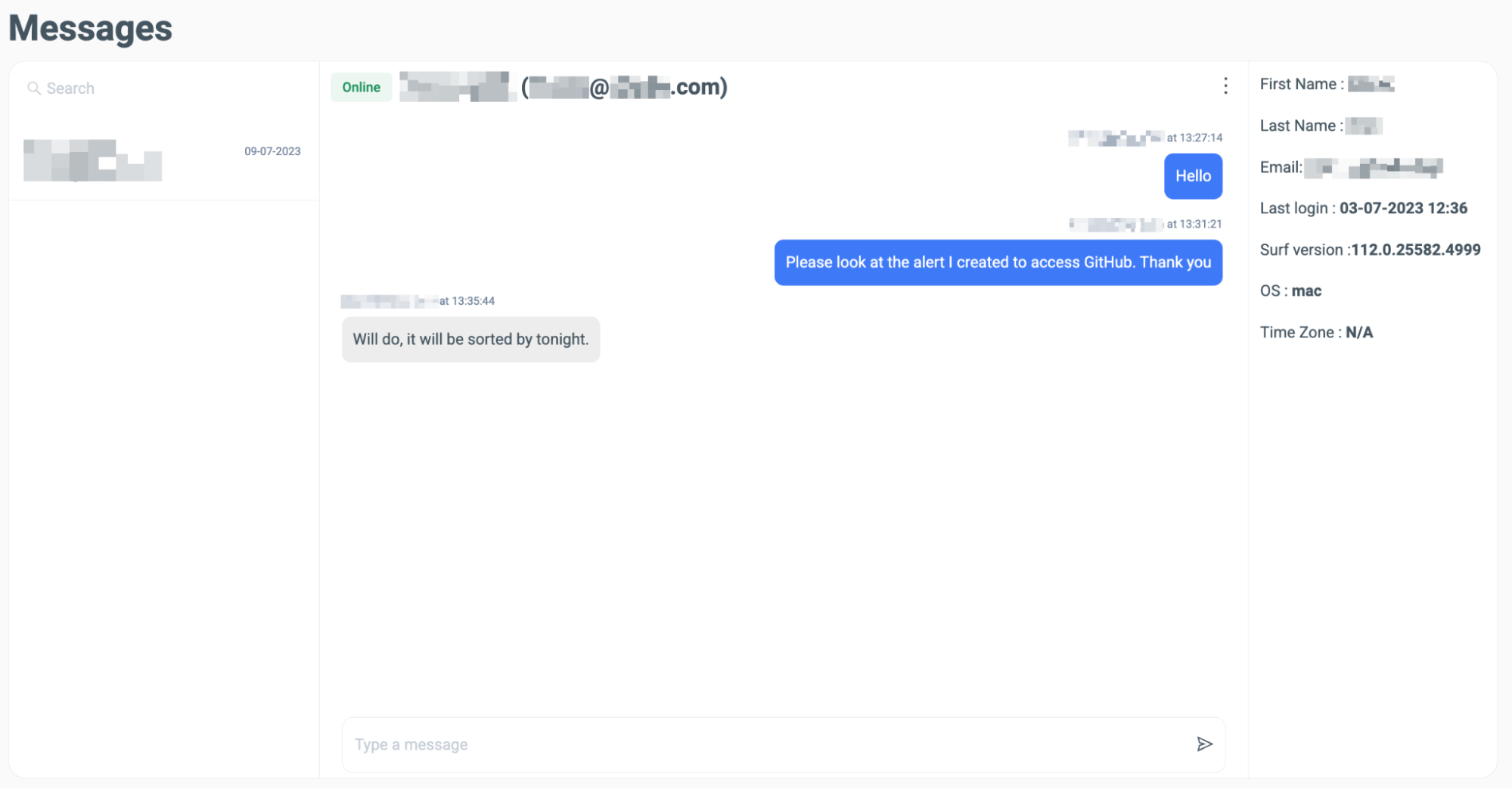
To begin a message thread, the user must initiate the conversation with the administrator, not vice-versa. Then both are able to message each other in real time.