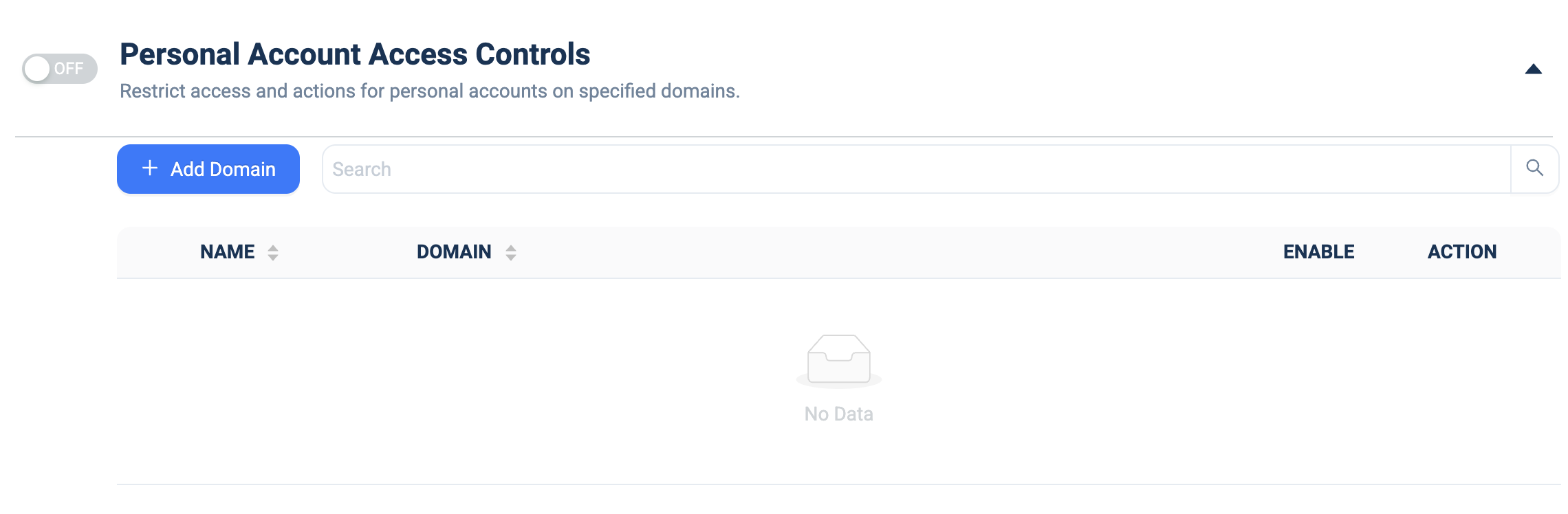
Personal Account Access Controls
What it does: Restricts access and actions for personal (non-corporate) accounts on specified domains, so users can't use personal logins on those sites.
How to set up:
- Toggle the master ON/OFF switch to ON.
- Click + Add Domain.
- Fill the NAME (label) and DOMAIN columns with the domain to restrict.
- Use the row ENABLE toggle to activate the restriction.
- Edit/remove via the ACTION column; use the 🔍 Search box to filter once the list grows.