Personal Credential Controls
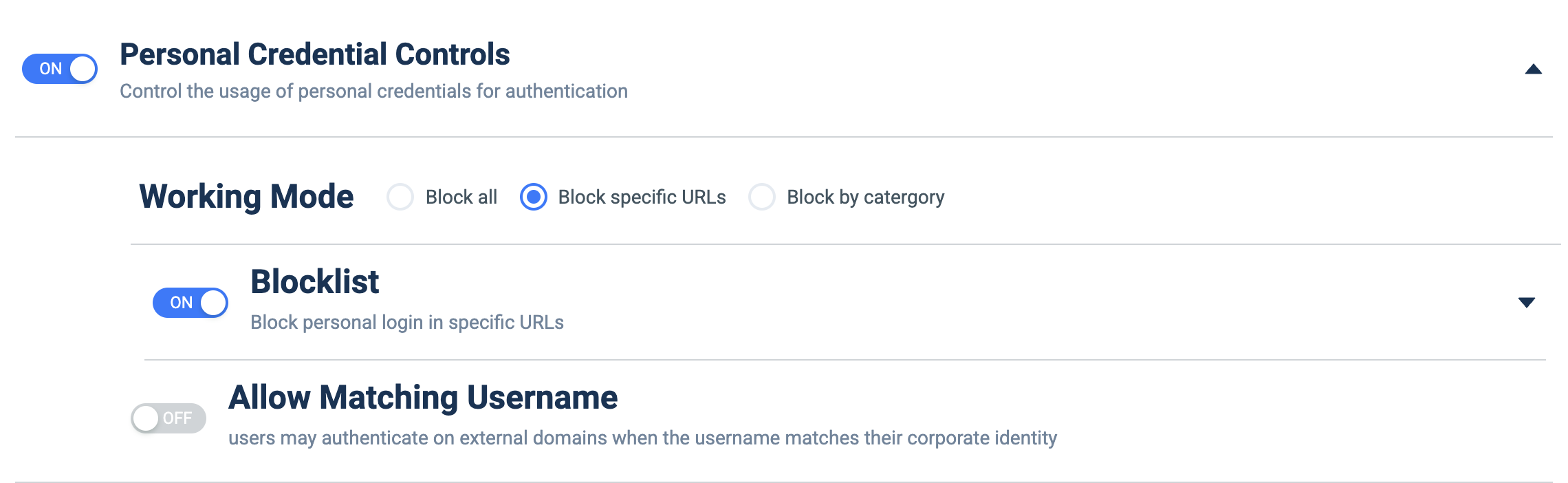
What it does: Controls whether users may log in to external sites with personal (non-corporate) credentials — block all, by specific URLs, or by category.
How to set up:
- Toggle ON.
- Under Working Mode, choose Block all, Block specific URLs, or Block by category.
- For 'Block specific URLs', enable the Blocklist and manage the URL list (expand its chevron).
- Optionally enable Allow Matching Username to permit login when the username matches the corporate identity.