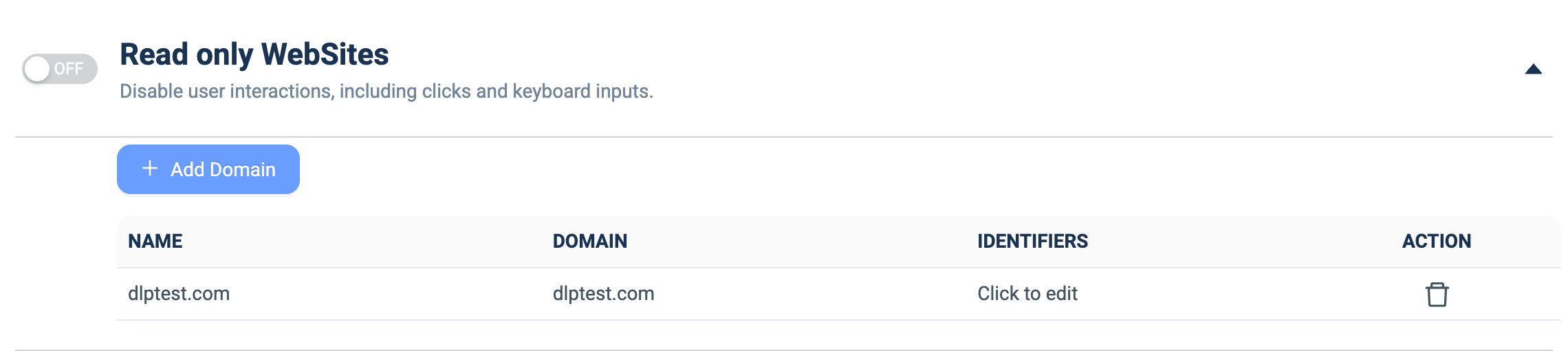
Read only WebSites
What it does: Makes specified websites read-only by disabling user interactions on them (mouse clicks and keyboard input).
How to set up:
- Toggle the master ON/OFF switch to ON.
- Click + Add Domain.
- Fill the NAME (label) and DOMAIN columns (e.g. `dlptest.com`).
- In IDENTIFIERS, click Click to edit to scope read-only behavior to specific page elements (optional).
- Remove an entry with the 🗑️ icon in ACTION.