Sensitive Data Anonymization
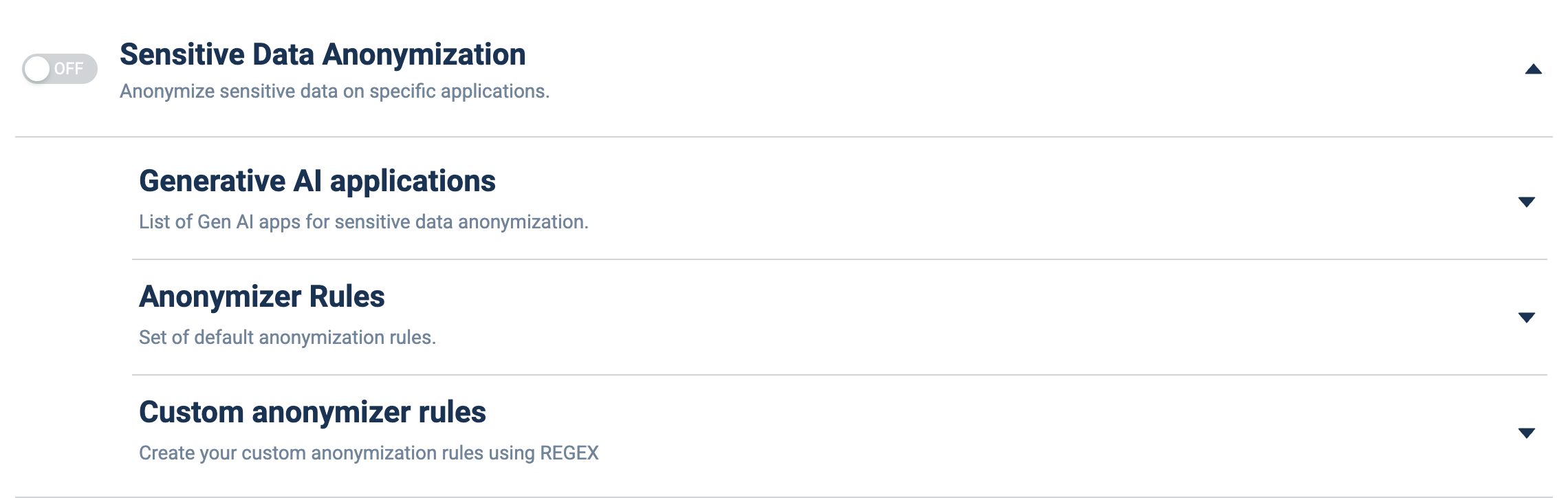
What it does: Detects and masks/anonymizes sensitive data before it is sent to specific applications (notably generative-AI apps), using built-in and custom rules.
How to set up:
- Toggle the master ON/OFF switch to ON.
- Expand Generative AI applications (▼) and add the Gen-AI apps anonymization should apply to.
- Expand Anonymizer Rules (▼) to review/enable the built-in rules.
- Expand Custom anonymizer rules (▼) to add your own REGEX-based rules for organization-specific data.