
Updating and Solving Alerts
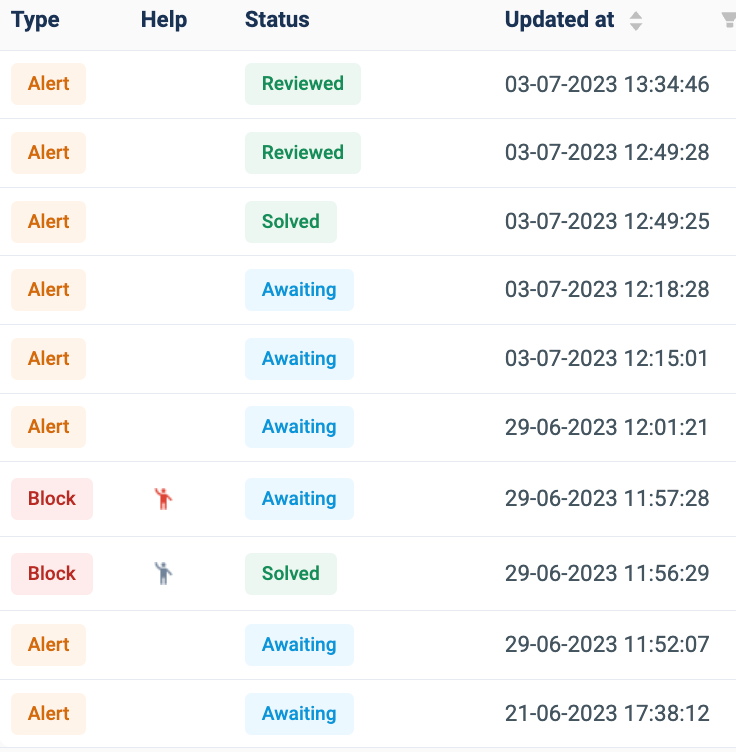
Whilst the Alerts section presents the admin with a representation of alerts users have created with their system, it can also be used to sort and review alert types, help function and status:
Alert types have two options;
which is any activity made by a user that goes against a set policy decided by the administrator and
which is any alert that the user has requested help with.
When a user has requested help or access in a blocked activity within the SURF browser, the ‘Help’ column in alerts will present a red man icon:

. Only when the request has been approved, ignored or policy changed (under status) will the icon turn grey:

.
The status column within the Alert UI table allows the admin to change the alert and request from the user, however they decide, within their system. When an alert is triggered a
status will appear. This icon tells the admin an alert has been created and is yet to be sorted for their user.
When the admin hovers their cursor over an alert’s status three options will appear where the admin may approve an alert, ignore or update the policy the alert was triggered by:
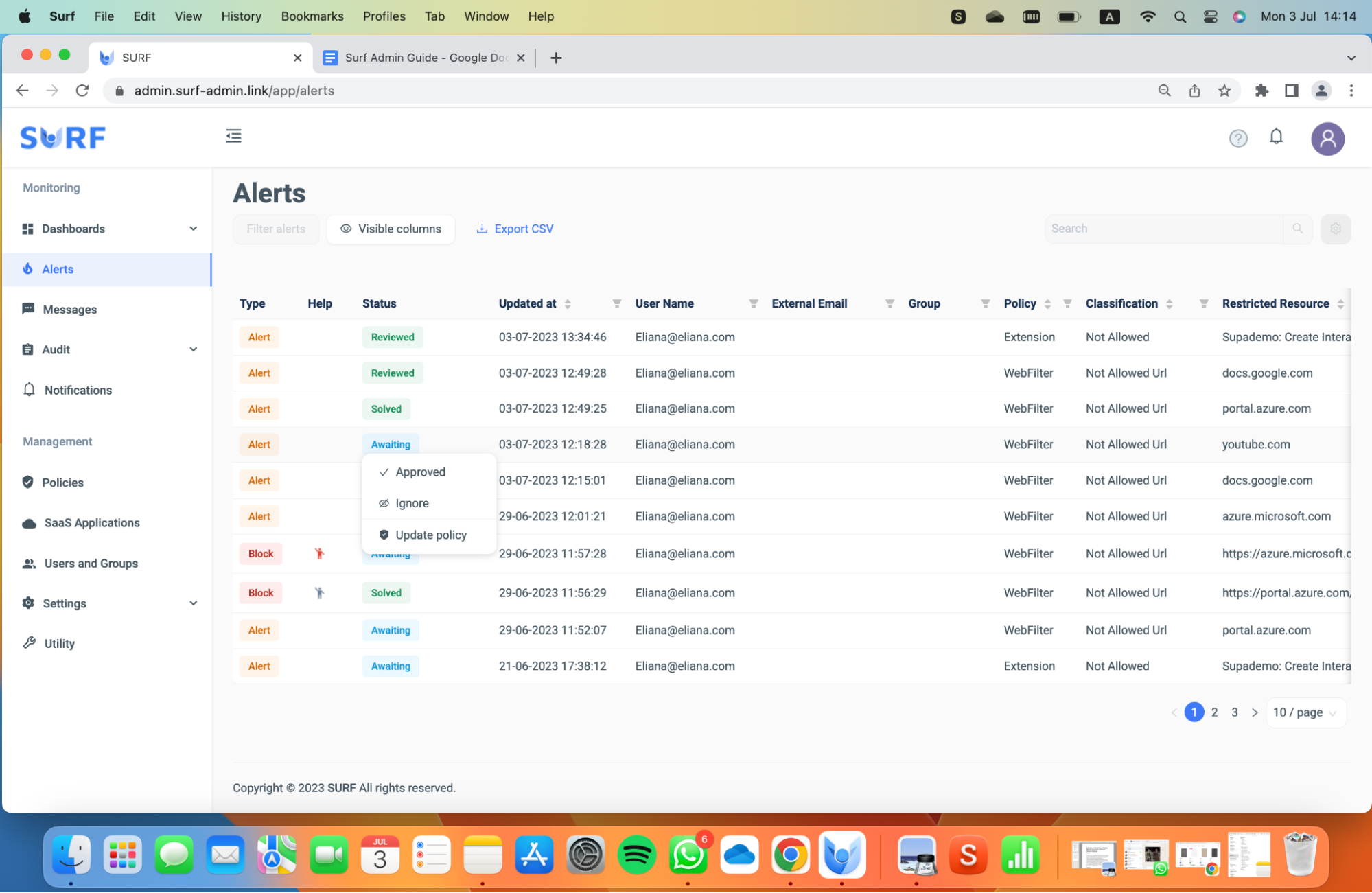
Once the admin has updated the alert, the status will change to two options.
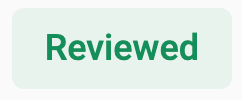
occurs when the admin has

an alert status.
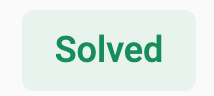
occurs when the admin has

an alert status.
*DLP alerts are not eligible for approval directly from the alert section due to the sensitivity of the matter.