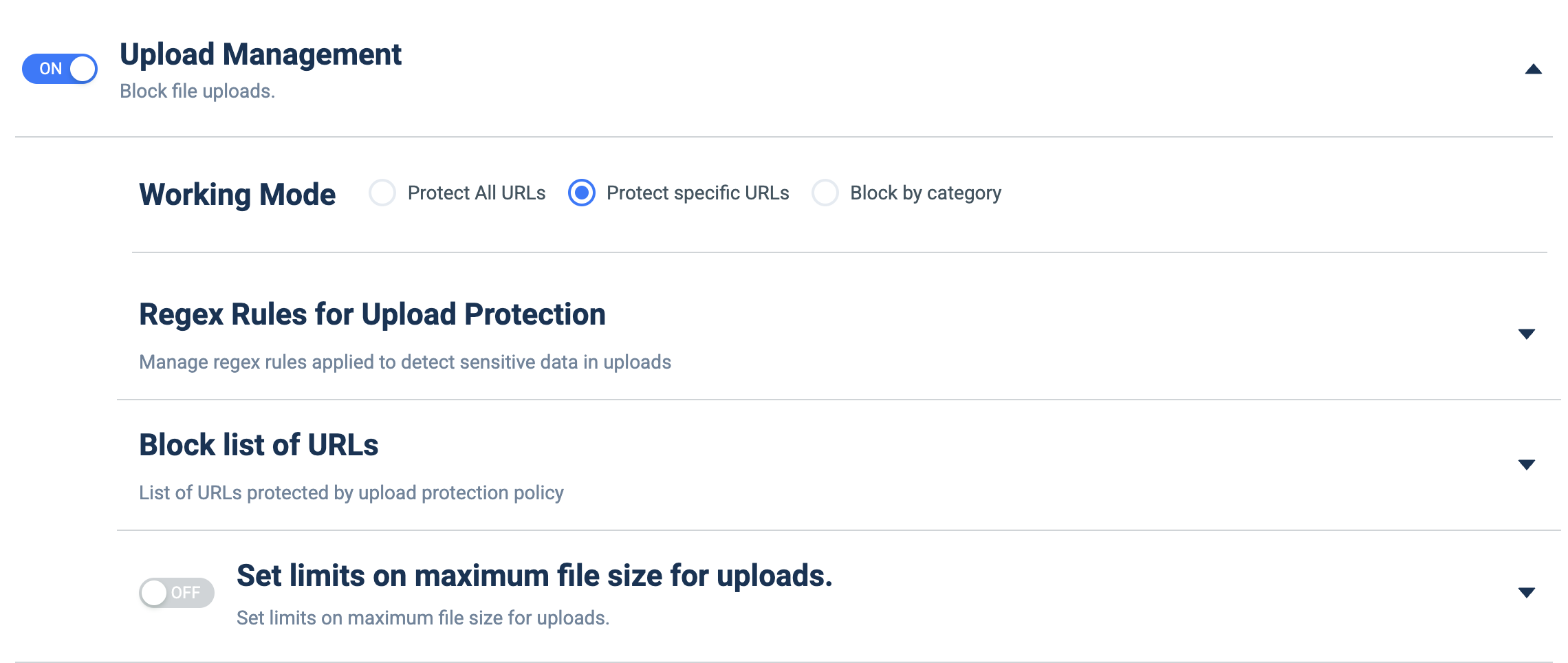
Upload Management
What it does: Blocks/controls file uploads, with a selectable scope plus regex-based sensitive-data detection and optional file-size limits.
How to set up:
- Toggle the master ON/OFF switch to ON (Block file uploads).
- Under Working Mode, pick Protect All URLs, Protect specific URLs, or Block by category.
- Expand Regex Rules for Upload Protection (▼) to manage patterns that detect sensitive data inside uploads.
- Expand Block list of URLs (▼) to add the specific URLs covered (used with 'Protect specific URLs').
- Optionally toggle Set limits on maximum file size for uploads ON, then enter the max size.