Users
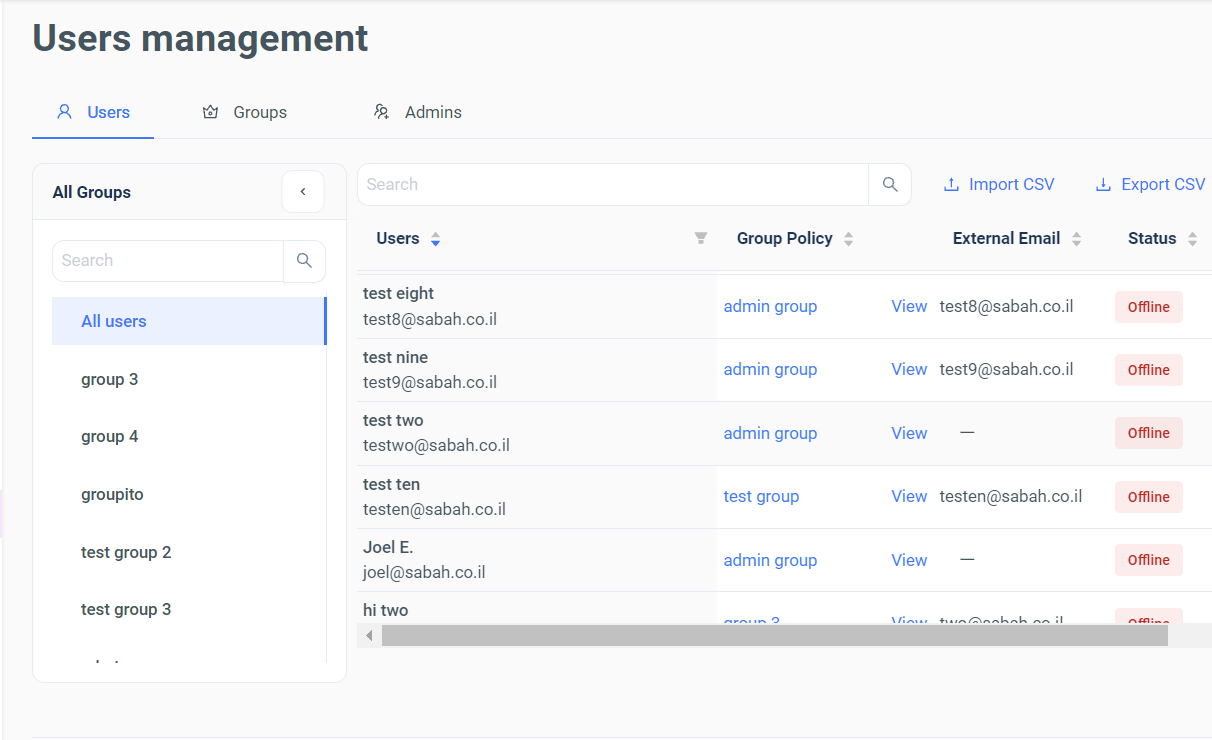
Under the Users tab, all users, independent or dependent of groups/admins can be presented to the admin with basic information:
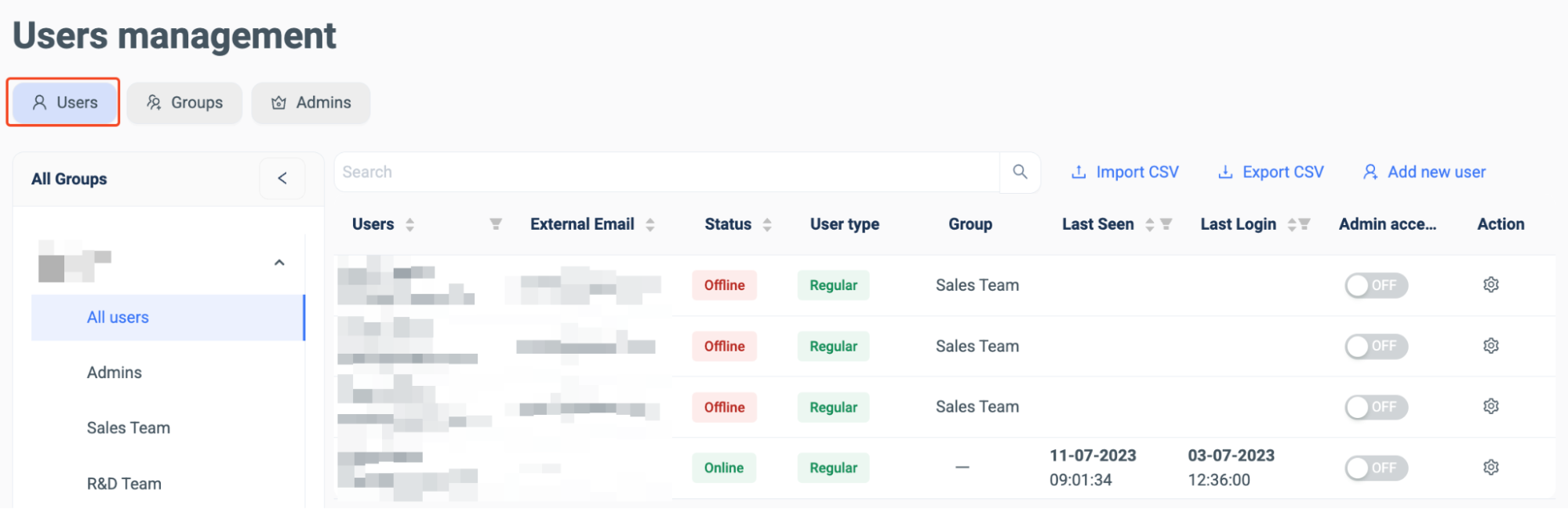
The administrator can search for a set user using the search bar or see the full list, as seen above. The User and Groups dashboard is also user to create new users in the system:

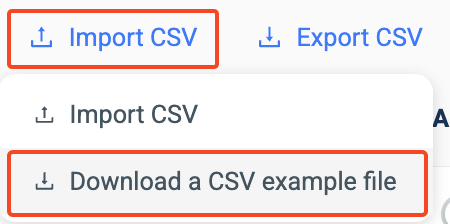
There are two options when adding new users. Firstly, a CSV file can be imported into the SURF browser, ‘Import CSV’:
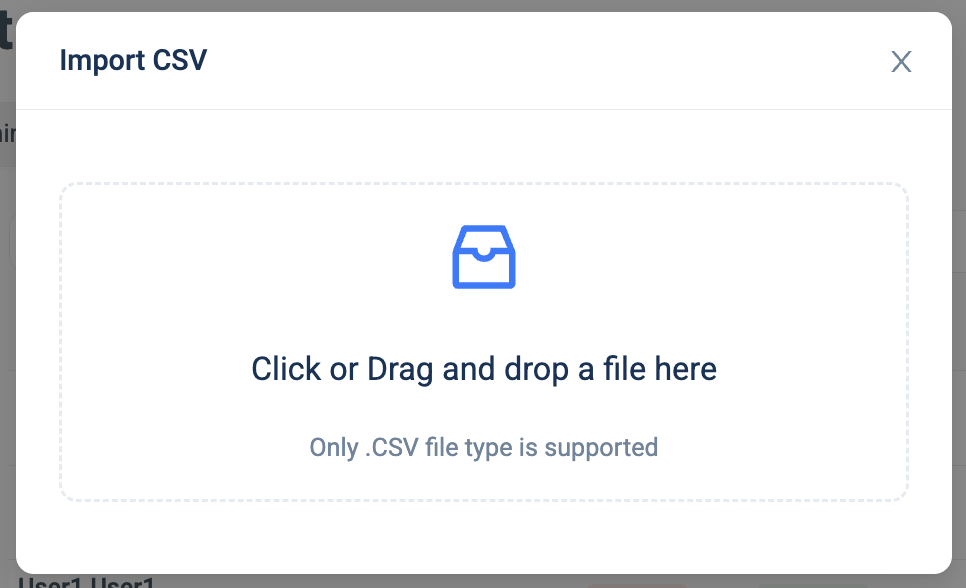
The administrators can also download a CSV example file to model their user needs for compatibility with the SURF system:
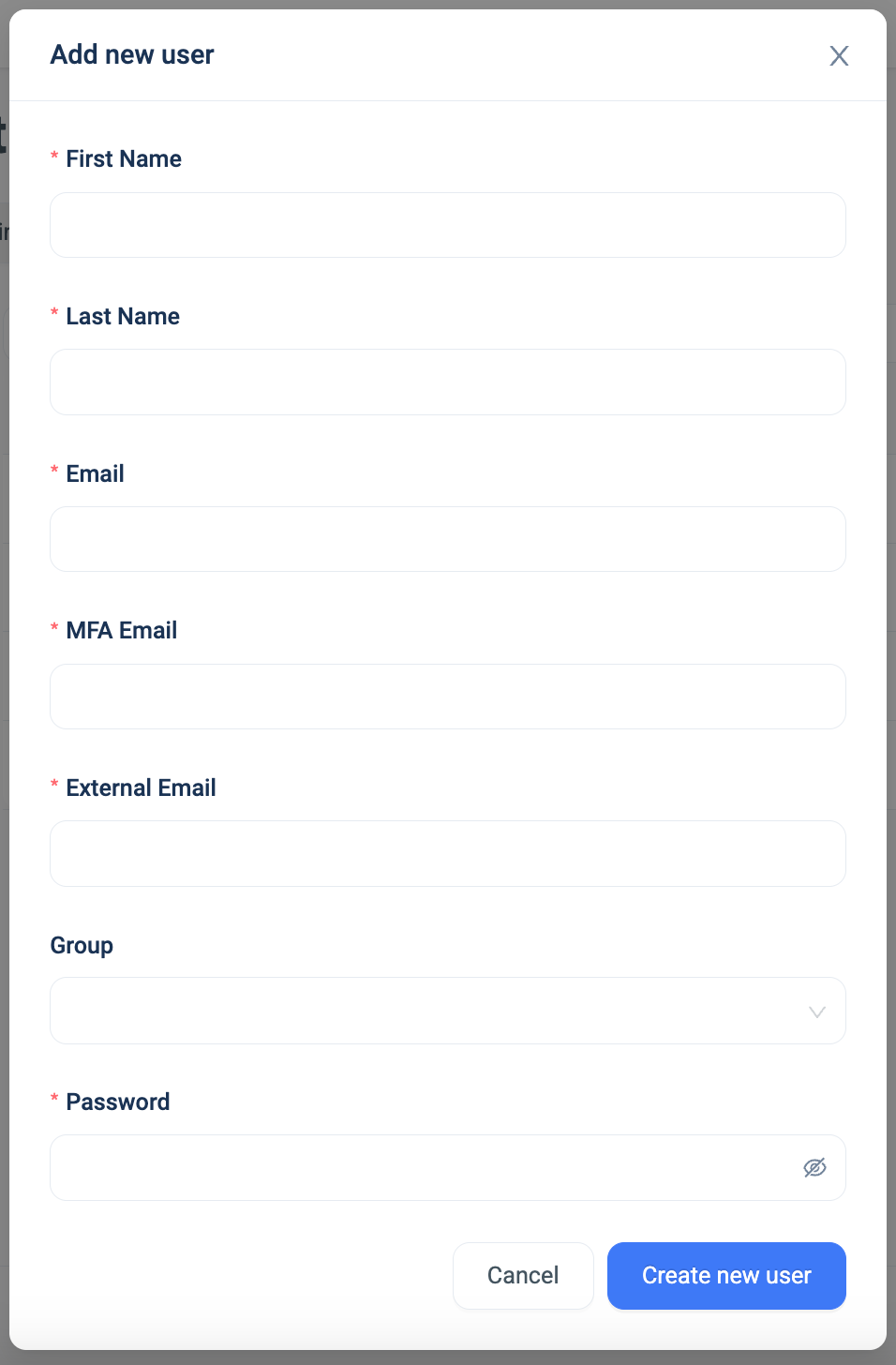
Or user’s can be added manually by selecting the ‘Add new user’ function:
The created users details can also be exploited to a CSV file and downloaded for outside system use:

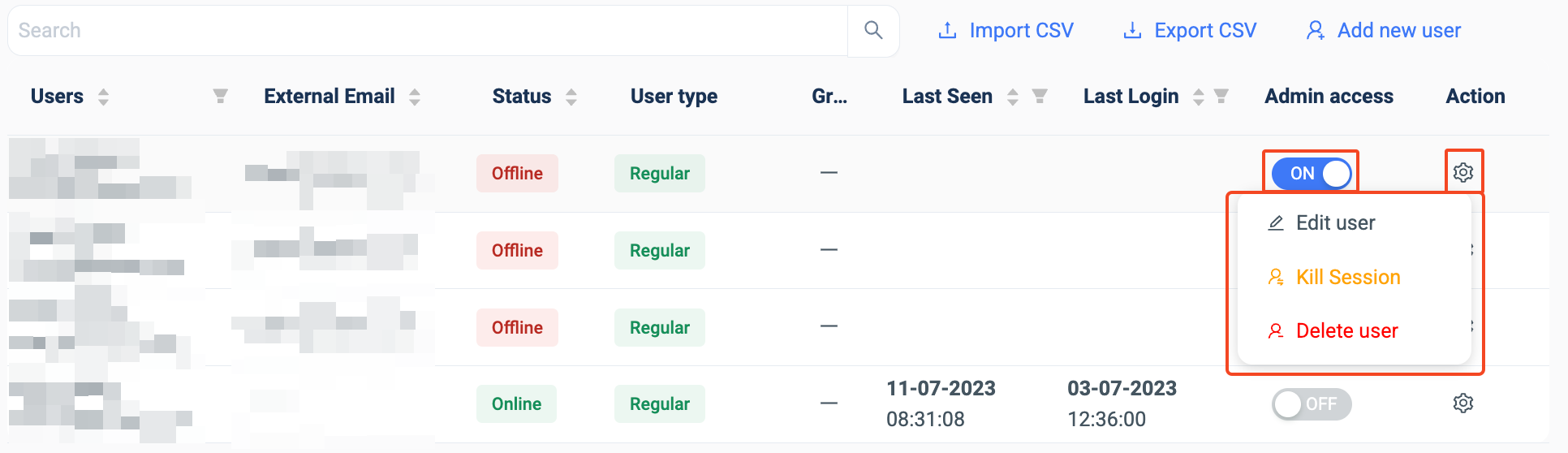
For individual users, within the Users and Groups dashboard, the administrator can give the user admin access, as well as, within the ‘Action’ column, edit the user’s details, ‘kill’ the user for a period of time (session) or delete the user permanently.
- Policy Management
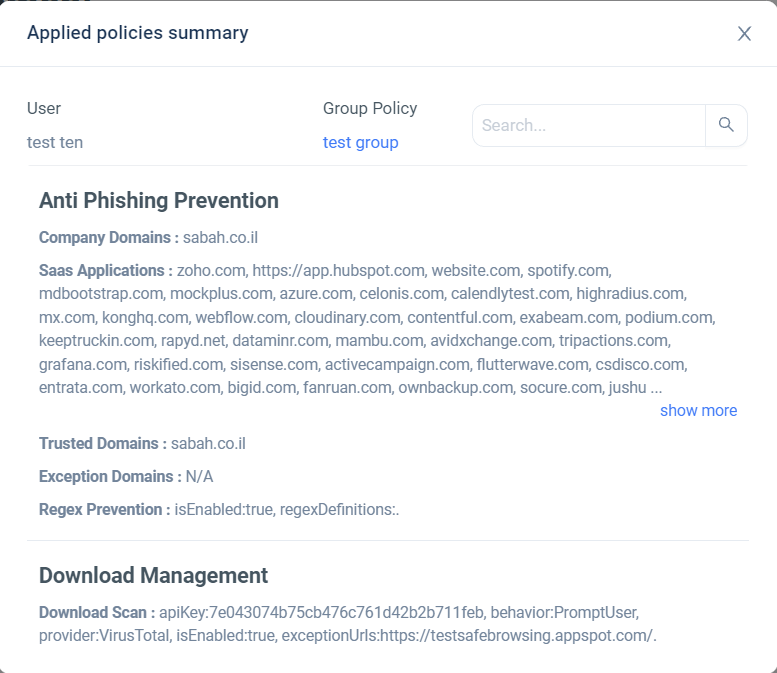
Policy Management provides administrators with the option to access a comprehensive and detailed text description of the policies configured on a per-user basis, showing what policies are applied to each user (Group Policy - View).